System design workbench
SystemArch
System design workbench with a Next.js frontend, a distributed rate limiter in Go with RAM or Redis storage, a Docker-based k6 load tester, and a video streaming service.

Project overview
A workbench for system design
SystemArch puts rate limiting, load testing, and video streaming in one project. A Next.js frontend provides the interface for exploring the services, while Go handles the rate limiter and load-testing backend.
Rate limits and load tests
The rate limiter can use process memory or Redis. The load tester runs k6 in Docker containers against a target endpoint, making the repository a place to examine request limits alongside load-test results.
Video delivery
A separate Spring Boot service uses FFmpeg to turn uploaded MP4 files into HLS renditions. The repository includes the service code and setup instructions for running each part locally.
Documentation
system-arch
Hands-on system design playground: production-shaped services that demonstrate rate limiting, load testing, and adaptive video streaming, tied together by a Next.js control panel.
Projects
| Directory | What it is | Stack |
|---|---|---|
disturbuted-rate-limiting/ | Distributed rate limiter runnable as an embedded Go library, a demo server, or a configurable reverse proxy. Implements fixed-window, sliding-window log, sliding-window counter, token-bucket, and leaky-bucket algorithms with per-process RAM or shared Redis storage. | Go, Redis, Docker Compose |
load-tester/ | Local load-testing service that queues tests, launches ephemeral k6 containers against a target endpoint, and reports latency/error metrics plus a suggested rate limit. | Go, k6, Docker |
frontend/ | Web dashboard: system catalog, rate limiter controls, and a load-tester workbench that starts/stops the local service and walks through capacity finding. | Next.js, TypeScript, Playwright |
video-streaming-service/ | Netflix-style HLS adaptive bitrate streaming demo. Upload an MP4, get FFmpeg-transcoded renditions (360p/720p/1080p) and master.m3u8 playback. | Java, Spring Boot, FFmpeg |
Repo layout
system-arch/
├── disturbuted-rate-limiting/   # Go rate limiter (library, server, reverse proxy)
│   ├── algorithm/               # One package per limiting algorithm (+ Redis backends)
│   ├── sdk/                     # Embedded RAM/Redis constructors for apps
│   ├── docs/                    # Algorithm comparisons, SDK, Docker, sliding-window guides
│   └── deploy/                  # Deployment configuration
├── load-tester/                 # k6-driven load testing API
├── frontend/                    # Next.js dashboard (catalog, limiter UI, load-tester UI)
├── video-streaming-service/     # Spring Boot HLS streaming service
└── docs/                        # Top-level documentation
Quick starts
Each project is self-contained — see its README for full details.
Rate limiter (Docker)
cd disturbuted-rate-limiting
docker compose up -d --build --wait
curl -i http://127.0.0.1:8088/orders   # hammer it to hit limits
Swap to shared Redis storage with:
docker compose down
docker compose -f compose.yaml -f compose.redis.yaml up -d --build --wait
Run the frontend against it with cd frontend && npm run dev and open the Rate Limiter section.
Load tester
cd load-tester
cp .env.example .env
docker compose up --build -d
curl http://localhost:8090/ready
Then drive it from the frontend's Load Tester page (/system-design/load-tester) or the JSON API directly.
Video streaming
cd video-streaming-service
mvn spring-boot:run
Upload an MP4 via the API and stream it from any HLS-compatible player.
Documentation
- Rate-limiting algorithms — algorithm comparison and trade-offs
- Sliding window guide and counter guide
- Rate limiter SDK — embedding in Go applications
- Docker guide — configuration, auth, storage guarantees
- Load tester README — API reference, RPS modes, capacity suggestions
- Video streaming README — HLS architecture and how ABR works
Conventions
- Frontend component placement follows the rules in
GEMINI.md(page-local_components/folders, shared components insrc/components/). - Go packages mirror their tests under each project's
tests/directory.
Keep exploring
Related work
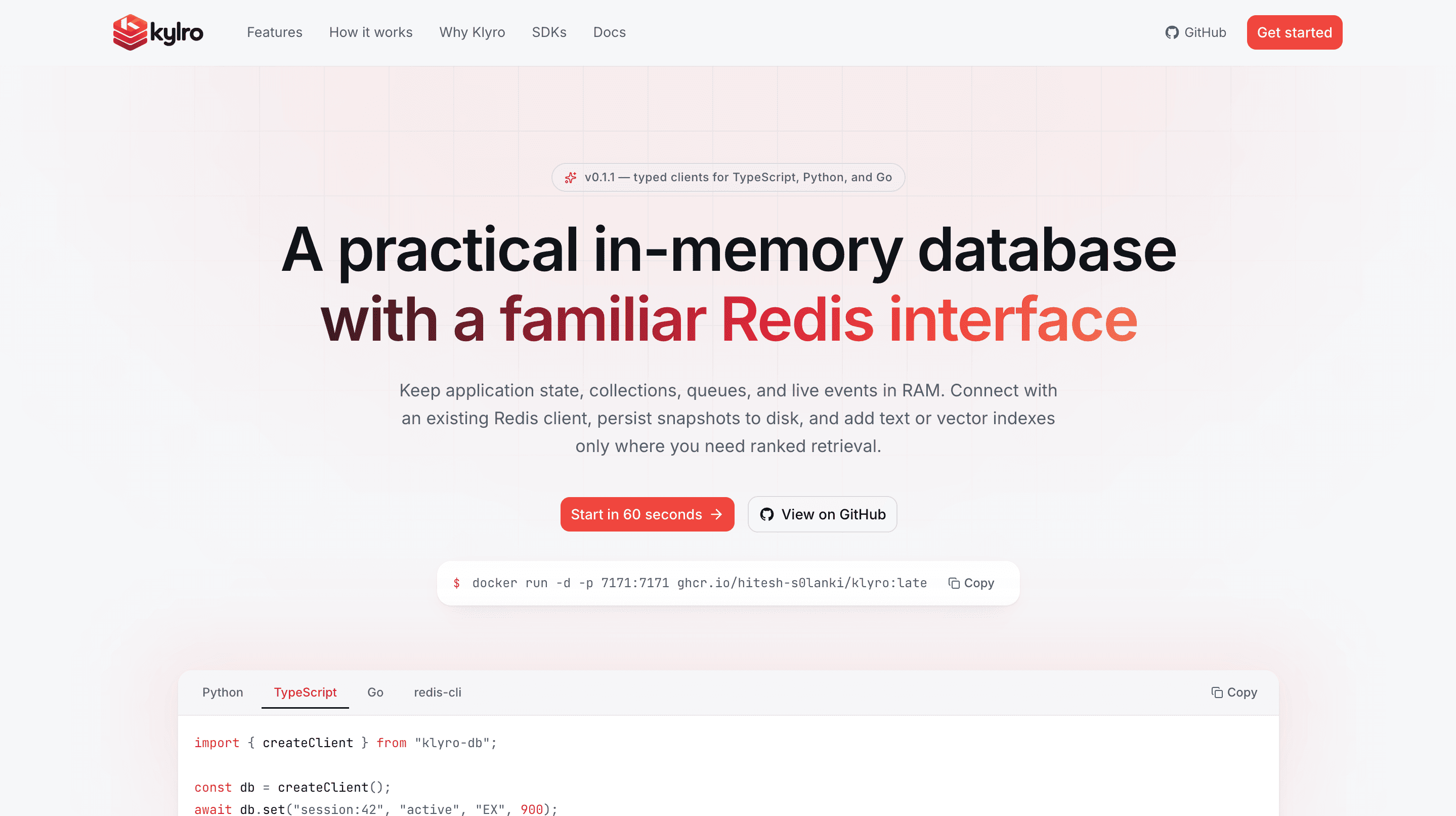
Klyro
Developer-first in-memory database written in Rust. Klyro speaks Redis's RESP protocol and supports familiar data structures, transactions, pub/sub, persistence, eviction policies, and keyword, vector, and hybrid retrieval in the same keyspace.

Relivo MCP Server
Multi-namespace Model Context Protocol server in Go — memory, skills, events, Search Console, and Product Hunt tools mounted on one HTTP mux over Streamable HTTP. Namespaces self-register at startup, and every route is admitted by its own auth: API keys for MCP clients, Clerk for the dashboard.
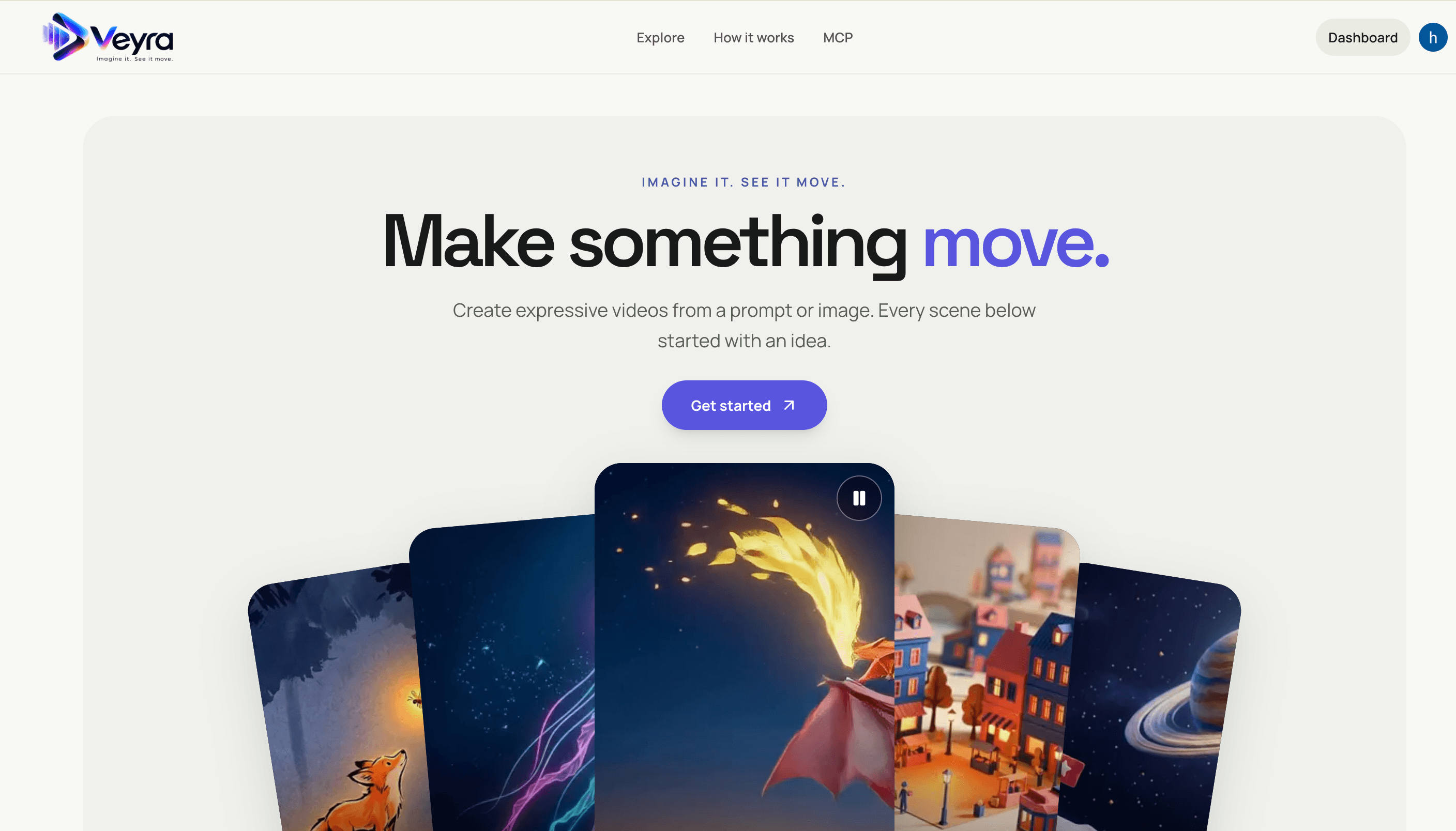
Veyra
Create videos from text prompts or images with a Next.js frontend and FastAPI service. Veyra dispatches generation jobs to on-demand Modal GPU workers, stores private results in S3, and offers a hosted MCP server for agent integrations.